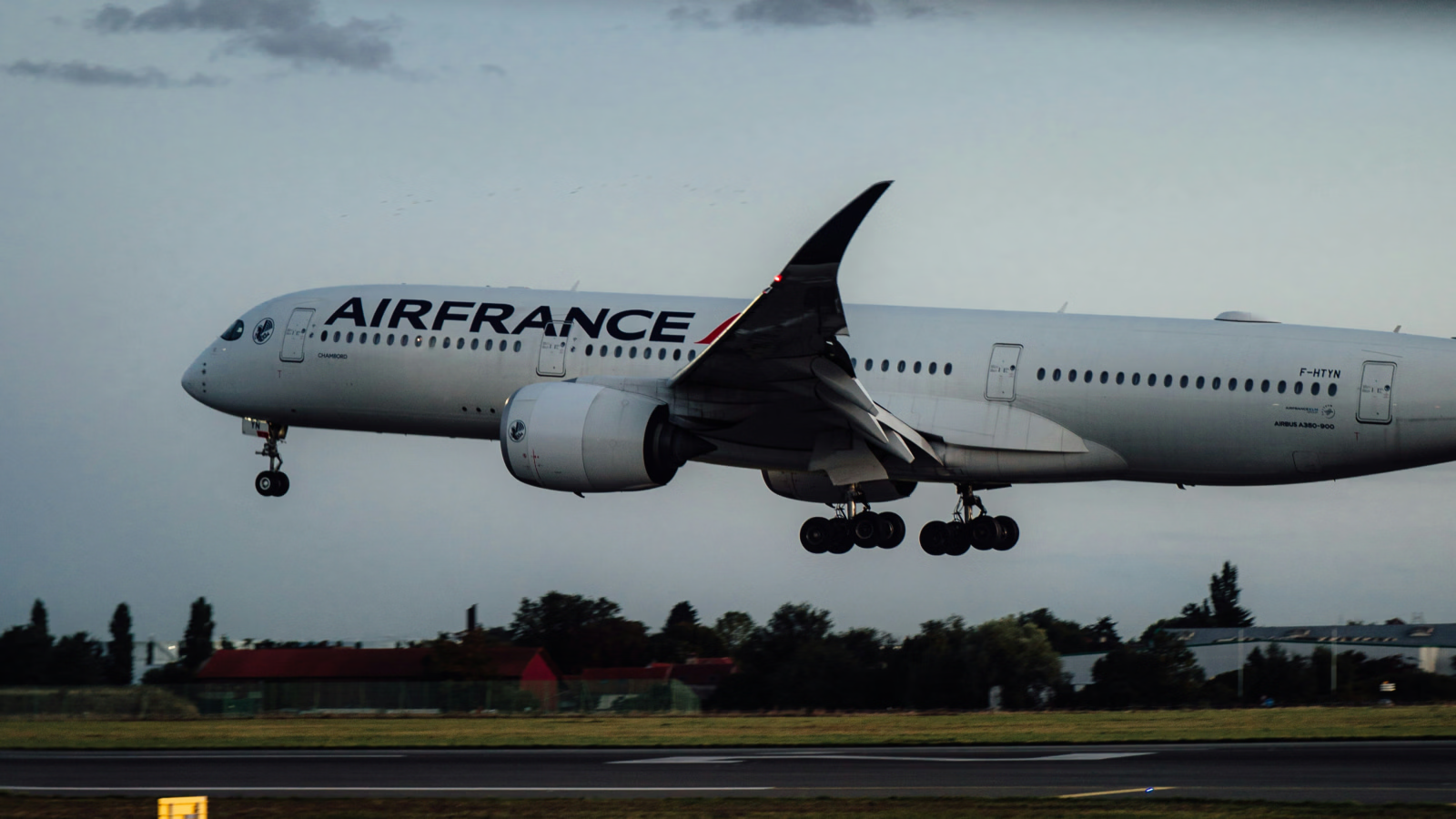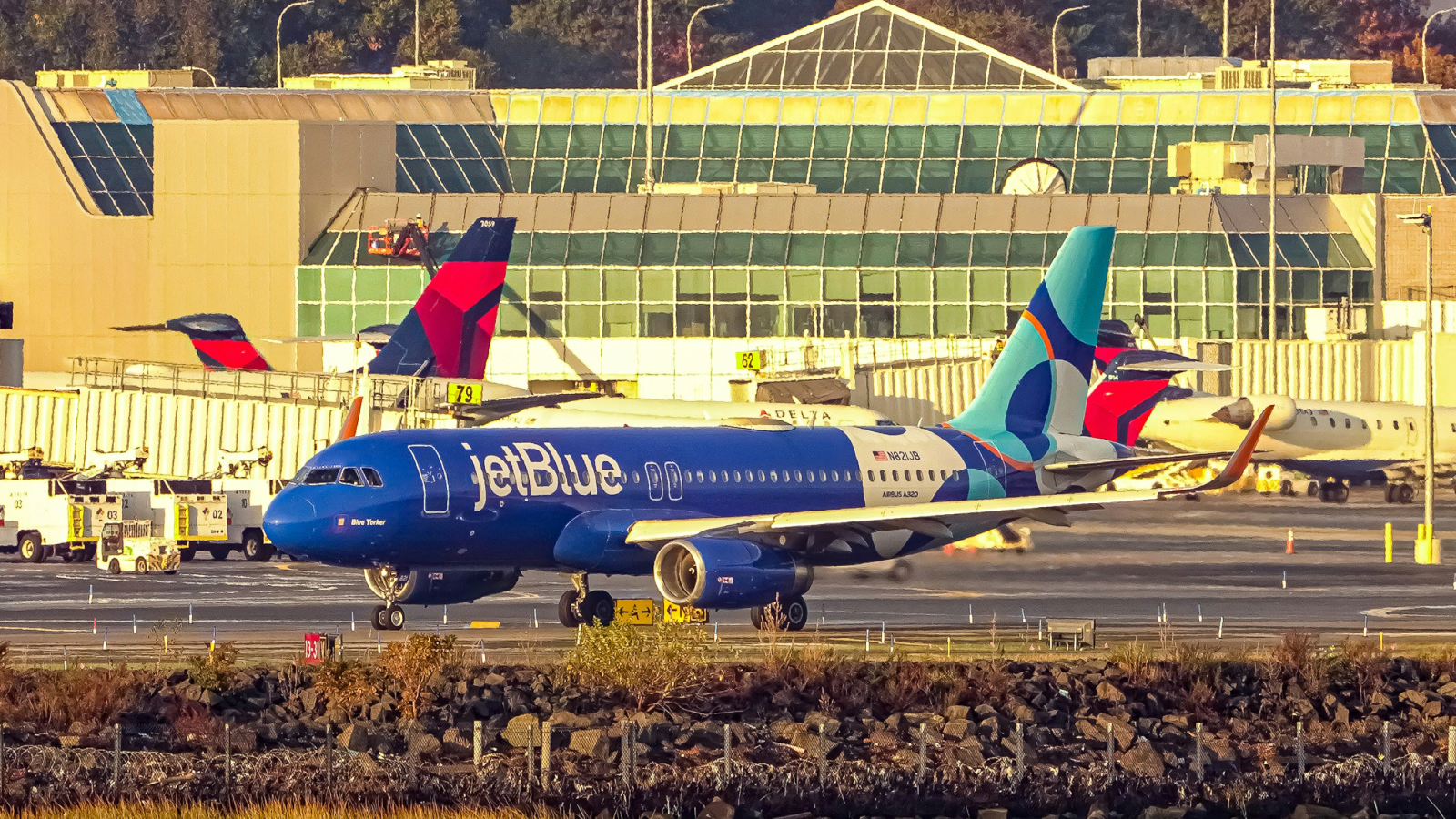


If you fly enough to know which Newark gates have the good pretzel cart, you've already learned the hard truth about flight tracking: the airline app tells you what the airline wants you to know, FlightAware tells you what happened, and your group chat asks where you are forty-seven times. None of these are the same as actually knowing what's going on with your flight.
Flighty is the iOS app I've been pointing award-flyers toward for years, and version 3.0 (out since 2024) is the version that finally makes it credible as a primary tool for serious itineraries. It pulls from the same data sources airlines use, displays it in a way humans can read, and tells you about a delay before the gate agent does. For anyone running multi-leg awards, status runs, or recovery from irregular operations (irrops), that head start matters.
This is a review of what Flighty 3.0 actually does well, where the free tier ends and Pro begins, and the specific cases where it earns the $50-ish annual price (verify current pricing on Flighty's website, as it has shifted since launch). I've used it on enough mistake fares, partner awards, and weather-cancelled connections to have opinions.
What Flighty Is
Flighty is an iOS-only flight tracker built by an independent developer that aggregates data from radar networks, FAA feeds, and airline operational systems and surfaces it in a single interface. It's available on the App Store as Flighty - Live Flight Tracker, with web context at flighty.com.
The pitch isn't "another flight tracker." It's "the airline knows when your flight will actually leave, and now you do too." That framing matters because award itineraries often involve tight self-connects, partner segments, and recovery situations where the airline's own app underperforms. Flighty is the tool that tells you a gate change happened before you get the boarding-area announcement.
It is not free in any meaningful sense for advanced use. The free tier is a teaser. The Pro tier is where it earns its keep.
Real-Time Intelligence That Actually Predicts
The core feature is delay prediction. Flighty cross-references your specific aircraft's inbound flights, weather at origin and destination, ATC ground-stop data, and historical patterns for that route to project departure and arrival times before the airline officially updates the schedule.
In practice, this means you'll often see Flighty flag a 90-minute delay on your evening flight while the airline app still shows on-time. The airline waits to update until it has to. Flighty doesn't.
For award flyers, the value compounds on connections. If you're doing a self-transfer at LHR between a partner ticket and a separate award, knowing two hours out that your inbound is going to miss is the difference between rebooking calmly at the lounge and sprinting through Terminal 5 with a dead phone.
Aircraft tracking is also genuinely useful. You can see exactly which tail number is operating your flight, where it is right now, and the chain of flights it's expected to operate before yours. If the previous leg cancels, you know your flight is in trouble before the airline confirms it.
Flighty Friends
The shared-tracking feature lets you follow other people's flights with their permission. The original 660 piece oversold this. It's useful. That's the right word.
The actual value is removing the airport-pickup negotiation. Instead of texting "landed?" every fifteen minutes, the person picking you up sees your flight in their Flighty feed with the same predicted-arrival data you have. Same logic for parents tracking kids on solo flights, or partners coordinating around irrops.
It works well, it doesn't drain battery noticeably, and the privacy controls are reasonable. You share specific trips, not your whole travel history. That's the right default.
Notifications That Don't Spam You
Flighty's notification system is tunable in a way airline apps aren't. You can configure alerts for gate changes, delay predictions crossing certain thresholds, aircraft tail-number assignments, customs wait times at arrival, and baggage carousel assignment.
The two I leave on permanently: aircraft-arrived-at-gate (so I know my inbound is here) and predicted-delay-over-30-minutes. The rest depends on the trip. For a tight connection, I turn on gate-change alerts. For a leisure trip, I don't.
The cross-device sync works across iPhone, iPad, Apple Watch, and Mac. The Watch implementation in particular is good: a glance at the wrist during boarding tells you whether the inbound aircraft is actually at the gate.
Free vs Pro: What You Actually Get
The free tier gives you basic tracking for one or two flights at a time, current-day flight info, and the App Store experience that gets you hooked. It's a demo.
Pro (verify current pricing at store.flightyapp.com) adds the things that make the app actually useful: unlimited flight history, full predictive delay data, Live Activities on the Lock Screen, the Apple Watch complications, customs and baggage data, and Flighty Friends.
For someone flying twice a year, free is fine. For anyone with status, multiple award trips per year, or family scattered across time zones who fly to see each other, Pro pays for itself the first time it correctly predicts a delay and lets you rebook before the rest of the cabin realizes anything is wrong.
I treat it like I treat Priority Pass lounge access: a tool that makes the inevitable parts of travel measurably less unpleasant.
How It Compares to iOS Wallet and Apple Maps
iOS 18 and beyond added meaningful flight-tracking to Wallet via boarding passes, and Apple Maps now shows airport detail. The native experience has improved. (See our coverage of iOS 26 features for context on Apple's broader travel push.)
Where Wallet works: showing your boarding pass with gate and time, updating that gate when the airline updates it, and surfacing the basics on the Lock Screen.
Where it doesn't: Wallet shows you the airline's data when the airline updates it. Flighty shows you what's actually going to happen before the airline updates. Wallet doesn't predict delays from upstream weather. Wallet doesn't tell you which tail number is operating. Wallet doesn't let your spouse follow your inbound from a partner award without sharing a calendar invite.
Use both. Wallet for the boarding pass and the obvious stuff, Flighty for the operational reality.
Setup
Setup is the part the app gets right. Download from the App Store, grant notification permissions, and either type in a flight number or forward an airline confirmation email to a dedicated Flighty address that auto-imports the itinerary. Connected calendar import also works.
For award itineraries with multiple partner segments on separate PNRs, you can add each leg manually. Flighty handles codeshares correctly: if you booked a JL flight that's marketed as AA, both numbers find the same physical flight.
Apple Watch and iPad sync happens automatically once you're signed in. There is no Android version and the developer has been clear there won't be one. If you're not on iOS, this isn't your tool.
Advanced Features Worth Knowing About
Trip insights show patterns across your flying history once you've used the app for a while: average delays by airline and airport, your most-flown routes, total flight hours. This is the part that turns into mild dopamine for anyone who already keeps a flight log.
Live Activities put the flight on your Lock Screen and Dynamic Island during the actual travel day. Watching the aircraft icon move across the Lock Screen toward your gate is the right level of information density.
The data depth is where Flighty pulls ahead of FlightAware and FlightRadar24 for trip planning specifically. Those apps are better for plane-spotting and historical research. Flighty is better for "I am flying tomorrow and I need to know what to expect."
Privacy and Security
Flighty's privacy posture is straightforward: your flight data stays on your account, sharing is opt-in per trip, and the developer hasn't shown the warning signs of an app preparing to monetize user data. The business model is the subscription. That's the right alignment.
Two-factor authentication is available. Data export is supported if you ever leave. These are basic asks, and Flighty meets them.
Troubleshooting Common Issues
Flight not found: usually means you typed the flight number wrong or the airline hasn't loaded that day's schedule yet. Try again twelve hours out.
Notifications not arriving: check iOS notification settings for the app, then check Flighty's per-flight notification toggles. Both have to be on.
Watch sync delays: a hard restart of the Watch fixes this nine times out of ten.
Battery drain: real but manageable. Disable Live Activities for trips you don't care about, and turn off background-refresh for non-travel days.
Best Use Cases for Award Travelers
This is where the omad audience should pay attention. Flighty earns its price on these specific scenarios:
Self-transfers between separate awards. Two PNRs, two airlines, one passenger making the connection on their own time. Flighty tells you whether you can actually make it forty minutes before the airline pretends to care.
Status runs. When you're flying for the segments, predicted-delay data helps you decide whether to volunteer to bump or hold the seat.
Recovery from irregular operations. When weather cancels a leg, Flighty's tail-number tracking and aircraft-chain data tell you which alternate flights actually have a plane assigned versus which the airline is showing as "available" with no aircraft attached.
Coordinating partner-airline awards. Different airlines, different apps, different notification quality. One app that handles them all.
For booking the underlying trips, none of this replaces a good rewards strategy. See our guides on the best airline rewards programs and best airline credit cards for the foundation. And when something does go sideways, our flight compensation guide covers what you're owed.
The Future of Flight Tracking
The interesting question isn't whether Flighty stays the best iOS flight tracker. It probably does. The question is whether Apple's native Wallet and Maps experience eventually closes the gap enough that the third-party app becomes redundant for casual flyers.
My read: yes for casual flyers, no for the people reading this. The predictive layer Flighty has built, and the operational data feeds behind it, aren't something Apple is going to license or replicate quickly. The gap will narrow at the bottom and stay open at the top.
Bottom Line
Flighty 3.0 is the right answer to "which flight tracker should I use" if you fly iOS and you take your itineraries seriously. The free tier is a sample. The Pro subscription is a tool. For award flyers running multi-segment trips, self-connects, and partner-airline awards, it earns the annual price the first time it tells you about a delay forty-five minutes before the airline does.
Skip it if: you fly Android, you fly twice a year on the same airline, or you don't want one more subscription. Buy it if: any flight you have booked in the next twelve months involves a connection you care about making.
The Points Party may earn a commission from affiliate links in this article. This does not affect our editorial recommendations.
Some of the links in this article are affiliate links. We may receive a small commission at no extra cost to you if you apply through these links. This helps us keep the site running and continue creating free content.