
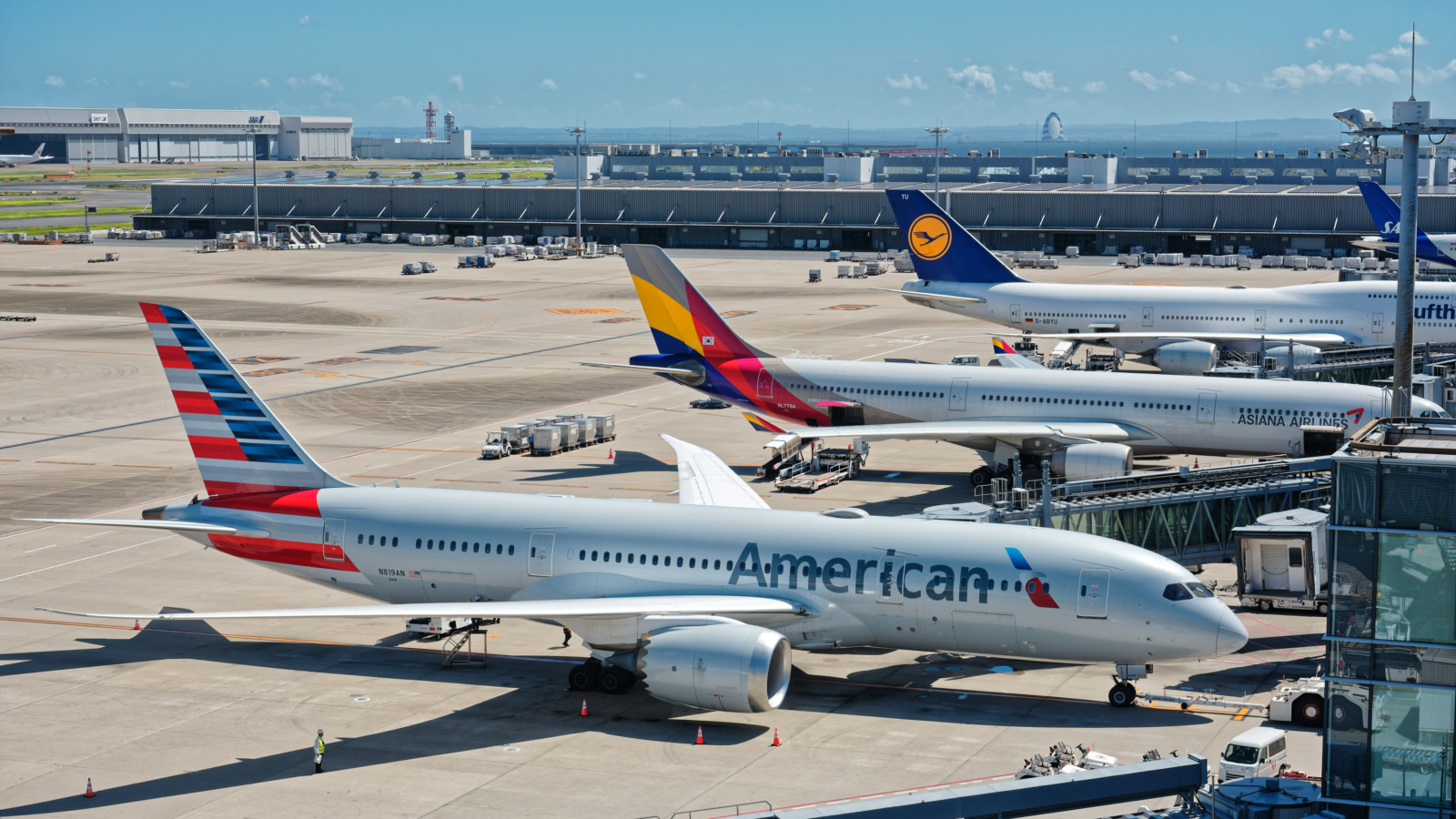
American Airlines flipped a switch on free domestic WiFi in early 2025, and by mid-2026 the rollout reached every plane in the domestic narrowbody fleet. What started as a multi-month phased deployment is now the standard onboard experience. Pull out a phone or laptop above 10,000 feet on a domestic AA flight, connect, and you are online without a payment screen.
The change closed what had been a real competitive gap. For years, AA passengers paid Viasat or Panasonic fees while Delta offered free WiFi to SkyMiles members and JetBlue treated free WiFi as a baseline feature. The pricing felt out of step on routes where the other carriers had already moved on. As of this writing, AA is the only major U.S. carrier offering free domestic WiFi with no membership requirement at all. Delta and United require a free loyalty account. AA asks for nothing.
The practical effect on the credit card side: on AA domestic flights, the WiFi credit on your premium travel card is no longer doing any work. That detail matters for anyone re-evaluating which travel card to keep, which I'll get to below.
How to connect
The flow is simple. Once the plane levels off above 10,000 feet, open your phone or laptop WiFi settings and select the network labeled "AA-Inflight" or "American-Wi-Fi" depending on the aircraft and equipment vendor. A browser portal opens automatically. If it doesn't, go to aainflight.com and the captive page will load.
From there, choose the free option. There is no AAdvantage login, no co-brand card prompt, no email gate on most aircraft. A handful of older planes still surface the loyalty-only flow as a holdover from the rollout phase, but those are increasingly rare. You're connected.
One caveat: each device connects independently. Bringing a laptop and a phone means logging in twice. There's no household-wide pass.
What you can actually do
The bandwidth is more usable than the old paid product. Streaming works. Netflix, YouTube, and Spotify all hold a steady connection on most flights. Video calls work in practice, though latency varies by route and aircraft. I've taken Zoom calls from DFW to LGA with no obvious lag; on a smaller regional aircraft from CLT, the same call would have dropped twice.
VPN connections work. File downloads work, though a 2GB pull from Dropbox takes longer than it would on home WiFi. Gaming is the one consistent loser. Anything latency-sensitive is unreliable, and the airline doesn't pretend otherwise.
The bandwidth caps that existed on the paid product appear to be gone for normal use. Heavy throttling shows up only during peak congestion on full flights, and even then the connection stays functional for messaging, email, and standard browsing.
How AA compares to Delta and United
The three U.S. legacy carriers now all offer free domestic WiFi, but the access rules differ in ways that matter.
Delta requires a free SkyMiles account. The signup takes a minute, and you can do it on the ground before the flight, but if you forget, you're entering a name and email at 35,000 feet on a slow captive portal. United works the same way through MileagePlus.
American Airlines requires nothing. No account, no signup, no email field. That is the actual differentiator at this point. Not the existence of free WiFi, which is now table stakes, but the friction-free access. For occasional flyers who don't carry the legacy loyalty accounts in their head, it's a real convenience.
Speed and reliability are roughly comparable across the three carriers. Delta's product on Viasat-equipped 737s is probably the most consistent. AA's varies more by aircraft generation. United's Starlink rollout, which is still in progress, is the wild card. Early reports describe it as significantly faster than the legacy products, but coverage across the fleet is patchy through 2026.
International flights still pay
The free WiFi applies to domestic narrowbody aircraft only. AA's widebody fleet, the 777s and 787s that fly long-haul international routes, still uses paid WiFi through Panasonic, with per-flight passes running roughly $20 to $35 depending on duration.
AA points to bandwidth cost on satellite-served international routes as the reason. Whether that holds as Starlink expands its aviation product remains to be seen, but for now: if you're flying AA to London, Tokyo, or São Paulo, budget for paid WiFi or plan to be offline. Premium cabin passengers also pay. No business class or first class exception applies on the widebody fleet.
What this means for credit card travel benefits
This is where the change quietly reshapes the card-stack math.
A handful of premium travel cards include an inflight WiFi credit as a benefit. The Citi AAdvantage Executive World Elite Mastercard has historically offered Admirals Club access and AA-branded perks, which used to include the implicit value of subsidized AA WiFi. The Citi AAdvantage Platinum Select offered preferred boarding and discounts on inflight purchases. Neither benefit is destroyed by free WiFi, but the WiFi line item is now worth zero on domestic flights.
The bigger ripple is on general-purpose premium cards. The Chase Sapphire Reserve has been quietly increasing the value of its travel benefits stack, but it doesn't include a WiFi credit directly. The Amex Platinum offers airline incidental credits that some users applied to GoGo WiFi passes in earlier years. That path has been narrowing for several refresh cycles, and on AA flights it's now moot.
The card with the most direct exposure is anything that used WiFi credits as part of its annual-fee justification. If you carried a co-brand card primarily for AA-flight perks and the inflight WiFi was part of the value calculus, that piece of the math is gone on domestic flights. The card is still useful for checked bag fees, priority boarding, and the AAdvantage earning rate, but the WiFi math has reset to zero.
For most readers, this is a small adjustment, not a reason to switch cards. The Citi AAdvantage Platinum Select still pays for itself if you check bags two or three times a year. The Citi AAdvantage Executive is a different conversation. Its annual fee is high enough that you should run the math on Admirals Club access alone.
If you're choosing between AA and a competitor primarily because of WiFi cost, the calculus has flattened. Pick the carrier that fits your route and price. Connectivity is no longer a tiebreaker on domestic flights.
This article contains affiliate links. If you apply through our links, we may earn a commission at no cost to you, which helps us continue sharing points and miles strategies with the community.
Some of the links in this article are affiliate links. We may receive a small commission at no extra cost to you if you apply through these links. This helps us keep the site running and continue creating free content.