

TSA PreCheck Not on Boarding Pass? How to Fix It (2026 Guide)
Key Points
- TSA PreCheck missing from a boarding pass almost always means the airline didn't transmit your Known Traveler Number to TSA, usually because the KTN wasn't on the reservation, was typed wrong, or got dropped during a rebooking.
- The fix before you leave home: log in to the airline, edit traveler info on the reservation, paste in your nine-digit KTN (the PASS ID from your TSA PreCheck membership), and pull a fresh boarding pass.
- Day-of fixes work too. Check-in counter agents and gate agents can add a KTN and reprint; TSA officers at the lane can sometimes look you up by ID even if your boarding pass is blank.
TL;DR
TSA PreCheck missing from a boarding pass usually means the airline didn't transmit your KTN. Fix it by adding the KTN to the reservation on the airline's site and reprinting. At the airport, ask the check-in agent or TSA officer.
Introduction
You paid for PreCheck, you've used it for years, and now the boarding pass for tomorrow's flight is showing the standard barcode with no "TSA Pre" indicator. Standing at the airport at 5 a.m. is the wrong place to find this out, but the fix is almost always a 60-second airline.com edit. This guide walks through the common causes, the pre-flight fix, the day-of fix, the family rules, and the renewal trap that catches a lot of repeat members.
The Verdict
TSA PreCheck not appearing on your boarding pass usually means the airline didn't transmit your Known Traveler Number (KTN) to TSA's Secure Flight system. Your membership is fine; the data handoff is what broke. If you catch it before check-in, the fix takes a minute on the airline's website. If you catch it at the airport, agents and TSA officers can usually still get you into the PreCheck lane, though the airport fix is less reliable than handling it at home.
Why TSA PreCheck Drops Off a Boarding Pass
Five causes account for almost every missing-PreCheck case in 2026:
- The KTN was never entered. Whoever booked the flight (you, a travel agent, your company's corporate booking tool) skipped the Known Traveler Number field. TSA can't grant PreCheck on a reservation that doesn't claim it.
- The KTN has a typo. The Secure Flight system does an exact match on KTN plus name plus date of birth. One transposed digit and the match fails silently.
- Your airline loyalty profile is out of sync. You added the KTN to one airline's profile years ago, but that airline overhauled its profile system, or you're booking on a partner that pulls from a different field. The profile data didn't carry through to the reservation.
- A rebooking dropped the KTN. Schedule changes, irregular operations, voluntary changes, and award redeposits frequently strip the KTN from the new reservation even when it was on the original. This is the single most common cause for frequent flyers.
- A family member doesn't have their own KTN, or isn't on the same reservation. Kids 17 and under can ride along on a parent's PreCheck if they're on the same booking, but adults need their own membership and their own KTN attached to the reservation.
A sixth cause exists but isn't the bug it looks like. TSA randomly pulls a small percentage of PreCheck members into standard screening on any given flight. The boarding pass still says "TSA Pre," but the agent waves you to the regular line. You can't fix that one. If your boarding pass is blank, that's a different problem. Keep reading.
The Pre-Flight Fix (Before You Get to the Airport)
This is the version that works almost every time. Do it the day before, ideally as soon as you book.
- Find your KTN. It's on your TSA PreCheck approval letter, in the email TSA sent when you enrolled, and on the dashboard at ttp.dhs.gov. The KTN is the nine-digit number labeled "PASS ID" on your TSA PreCheck membership materials. If you have Global Entry, the same number appears on the back of your Global Entry card and serves as your KTN.
- Log in to the airline's website. Use the actual operating airline, not a third-party booking site. If you booked through Expedia or a corporate tool, go to the airline directly and pull up the reservation by confirmation code.
- Find your reservation. Look for "Manage Trip," "Trip Details," or "My Trips."
- Edit traveler information. Most carriers label this "Passenger Details," "Edit Traveler Info," or "Secure Flight Information." You're looking for a field called "Known Traveler Number," "Trusted Traveler Number," or "KTN."
- Paste in the nine-digit number. Confirm your name on the reservation matches your TSA PreCheck record exactly: same first name, same middle name (if you have one on the TSA record), same last name, no "Jr." vs. "JR" mismatch, no missing hyphens.
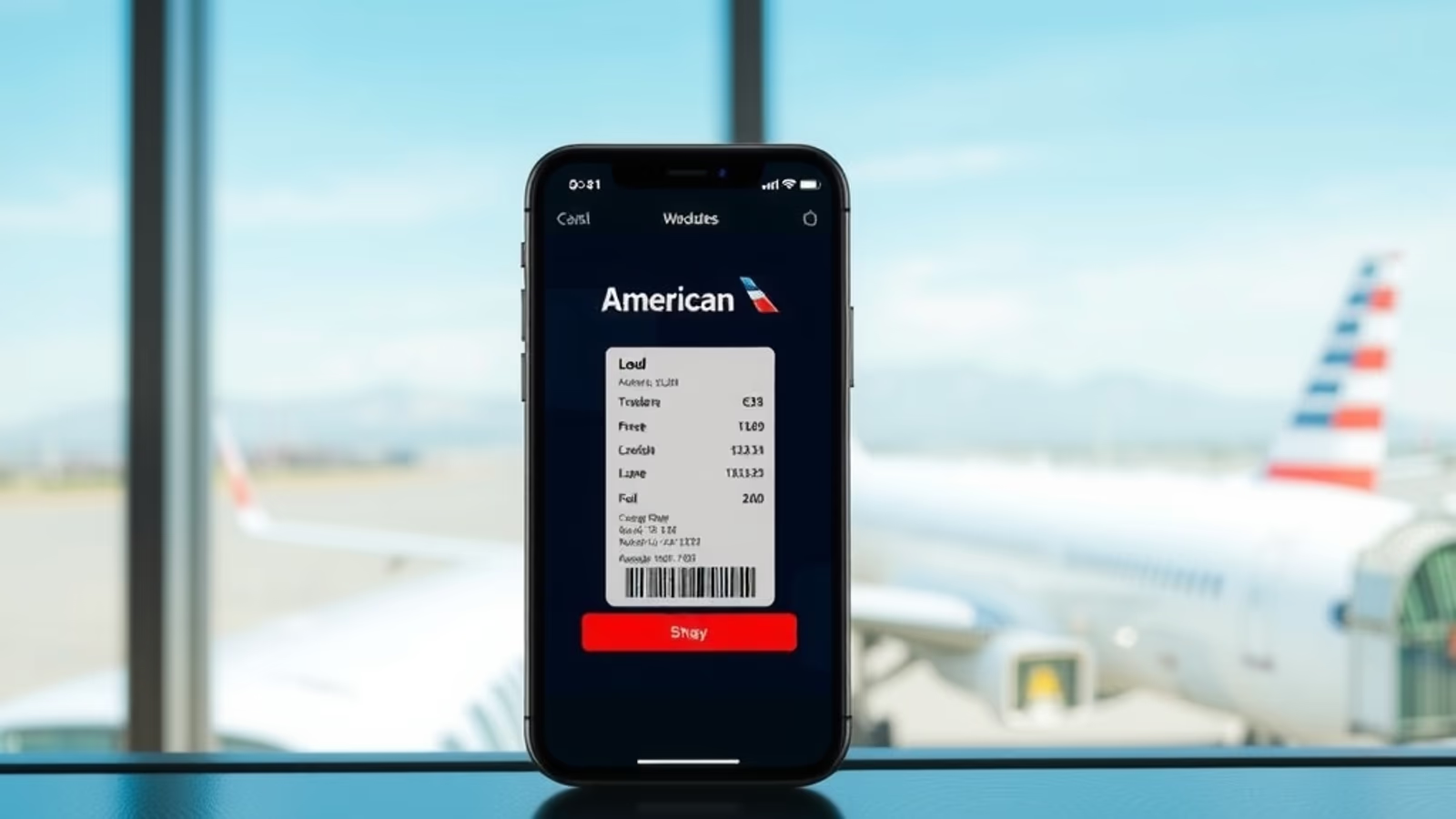
- Save, then pull a new boarding pass. Delete the old one from your phone wallet first. Re-check in if you've already checked in; some airlines need you to re-trigger check-in for the indicator to print.
The "TSA Pre" indicator should appear within a minute or two. If it's been more than 15 minutes and the new boarding pass is still blank, call the airline. There's almost always a name mismatch or typo causing it.
While you're in there, save the KTN to the airline's frequent flyer profile so you don't have to do this every booking. Profile-level KTNs auto-populate new reservations. Do this once per airline you use regularly.
The Day-of Fix (At the Airport)
You're already at the airport, the boarding pass is blank, and the line for security is building. You have three options, in order of reliability:
- Ask the check-in counter to add it and reprint. This is the most reliable airport fix. Walk up to the airline's check-in counter (not the kiosk), explain that PreCheck didn't show on your boarding pass, hand over your ID, and read off your KTN. The agent can add it to the reservation, retransmit Secure Flight, and reprint. Allow about five minutes for the data to come back from TSA. Worth doing if you have 30+ minutes before you need to be at the gate.
- Try the gate agent. If the counter line is too long or you're already past it, gate agents can do the same thing on most carriers, but they're juggling boarding and won't always have time. If they can fix it, they'll reprint at the gate.
- Go to the lane and ask the TSA officer. This is the fallback. The TSA officer at the PreCheck entrance can manually look up your eligibility by scanning your government ID and checking the Secure Flight database against your membership. It works more often than people expect, especially at airports where the lanes aren't slammed. It's not guaranteed: the officer can decline, and during peak hours they almost always will. Don't count on it as your primary plan, but try it before walking back to the counter.
The airport fix is real, and it works often enough that you shouldn't panic if you discover the problem late. But every step at the airport eats time you'd rather spend at the lounge or the gate. Catching it the day before is always the move.
The "I'm at Security and It's Still Not There" Play
A specific edge case: you tried the check-in counter, the agent thought they fixed it, but the new boarding pass still shows nothing. You're at the lane.
Two things often work here that aren't widely advertised:
- Show the TSA officer your KTN directly. Pull up the email TSA sent when you enrolled, or your ttp.dhs.gov dashboard, on your phone. Show them the number alongside your government ID and ask them to verify your eligibility manually. Some officers will, particularly if the lane is moving and they can do a quick lookup. Some won't. It costs you nothing to ask politely.
- Have your Global Entry card on you. If you have Global Entry, the back of the card prints the same number that serves as your KTN. Officers recognize it. It's not a magic pass (they can still send you to standard screening), but it raises the odds of a manual verification noticeably.
If neither works, you're going through standard screening for this flight. Save the troubleshooting for after you land: figure out why the KTN didn't transmit, fix the airline profile, and update the reservation for the return flight before you get to the airport on the way home.
Family Fix: Kids, Spouses, and Booking Together
The rule changed in late 2024 and a lot of articles still have it wrong. The current TSA policy as of April 2026:
- Kids 17 and under can use the PreCheck lane with an enrolled parent or guardian, with no separate membership of their own, as long as they're booked on the same reservation.
- Adults (18 and up) each need their own TSA PreCheck membership and their own KTN attached to the reservation. There's no spouse benefit, no family membership, and no "ride along" for adults.
- Same reservation is the operative phrase for the kid rule. If you and your kids are on separate confirmation numbers (common when itineraries are split across loyalty accounts to earn miles separately), the kids lose the ride-along privilege. Book everyone on a single reservation when you're planning to use the PreCheck lane together.
For families with teens approaching 18: if your teen will turn 18 before your next renewal, enrolling them in Global Entry rather than standalone PreCheck is usually the better play. Global Entry includes PreCheck, costs the same in real terms once you factor in a credit card statement credit, and pays off on the first international trip.
The Renewal Trap
This is the cause of "PreCheck used to work, now it doesn't" cases that aren't tied to a specific reservation glitch.
When you renew TSA PreCheck, TSA issues a new Membership Number (KTN). It's not always the same number you had before. If you typed your old KTN into your airline profiles five years ago and never updated it, every reservation since your renewal has been failing the Secure Flight match silently. Your boarding passes have been blank, or have been getting PreCheck sporadically because of other lookups.
After any renewal:
- Check ttp.dhs.gov for your current Membership Number. Confirm whether it changed.
- Update your KTN in the loyalty profile of every airline you fly. Don't skip the small carriers; codeshare flights pull from the operating carrier's profile, not the marketing one.
- Update any active reservations where the old KTN is on file. Schedule changes won't push the new KTN onto an old booking; you have to edit the traveler info manually.
- Update corporate travel tool profiles and any third-party loyalty managers (AwardWallet, etc.) that store your KTN.
Global Entry renewals follow the same rule: the PASS ID printed on a renewed Global Entry card may not be the number that was on your old card. Update everywhere.
What "Exact Name Match" Actually Means
Secure Flight matches the KTN against name and date of birth. "Name" means the name as TSA recorded it on your enrollment, character by character. Common mismatches that quietly kill PreCheck:
- Middle name or middle initial. TSA has "John Michael Smith," airline has "John Smith." Fail. Add the middle name to the airline profile.
- Hyphens. TSA has "Mary Parker-Smith," airline has "Mary Parker Smith." Fail. The hyphen is part of the name.
- Suffixes. "Robert Johnson Jr." vs. "Robert Johnson" or "Robert Johnson JR" depends on how the airline's system handles the suffix field. Most modern systems put suffixes in a separate field. Check both.
- Recent name changes. Got married, divorced, or legally changed your name? Update TSA at a Trusted Traveler enrollment center, then update every airline profile to match. Until both sides agree, PreCheck won't transmit.
If you can't figure out where the mismatch is, log in to ttp.dhs.gov and read your name as TSA has it character by character against your airline profile. The discrepancy is almost always something small you stopped noticing.
A Note on Credits That Cover Your Membership
Several travel cards reimburse the TSA PreCheck or Global Entry application fee as a statement credit, typically up to $100 every four years. The big ones in April 2026 are the Chase Sapphire Reserve, the Capital One Venture X, and the Platinum Card from American Express. If you're already carrying one of these for the broader travel benefits, the membership effectively costs nothing. Charge the enrollment fee to the card and the statement credit comes back within a billing cycle or two. Worth knowing because it changes the math on whether to renew, whether to upgrade kids to Global Entry, and whether to enroll a spouse.
Conclusion
Missing PreCheck on a boarding pass is almost never a problem with your membership. It's a data handoff between the airline and TSA's Secure Flight system, and the handoff fails for predictable reasons: KTN not on the reservation, name mismatch, or a renewal that issued a new number. Fix the airline profile, double-check every reservation after a rebooking, and update everything after a renewal. If you discover the problem at the airport, the check-in counter is your best shot and the TSA officer at the lane is your fallback. Ninety percent of cases are a 60-second edit on the airline's website the night before.
This article contains affiliate links. If you apply through our links, we may earn a commission at no cost to you, which helps us continue sharing points and miles strategies with the community.
Some of the links in this article are affiliate links. We may receive a small commission at no extra cost to you if you apply through these links. This helps us keep the site running and continue creating free content.