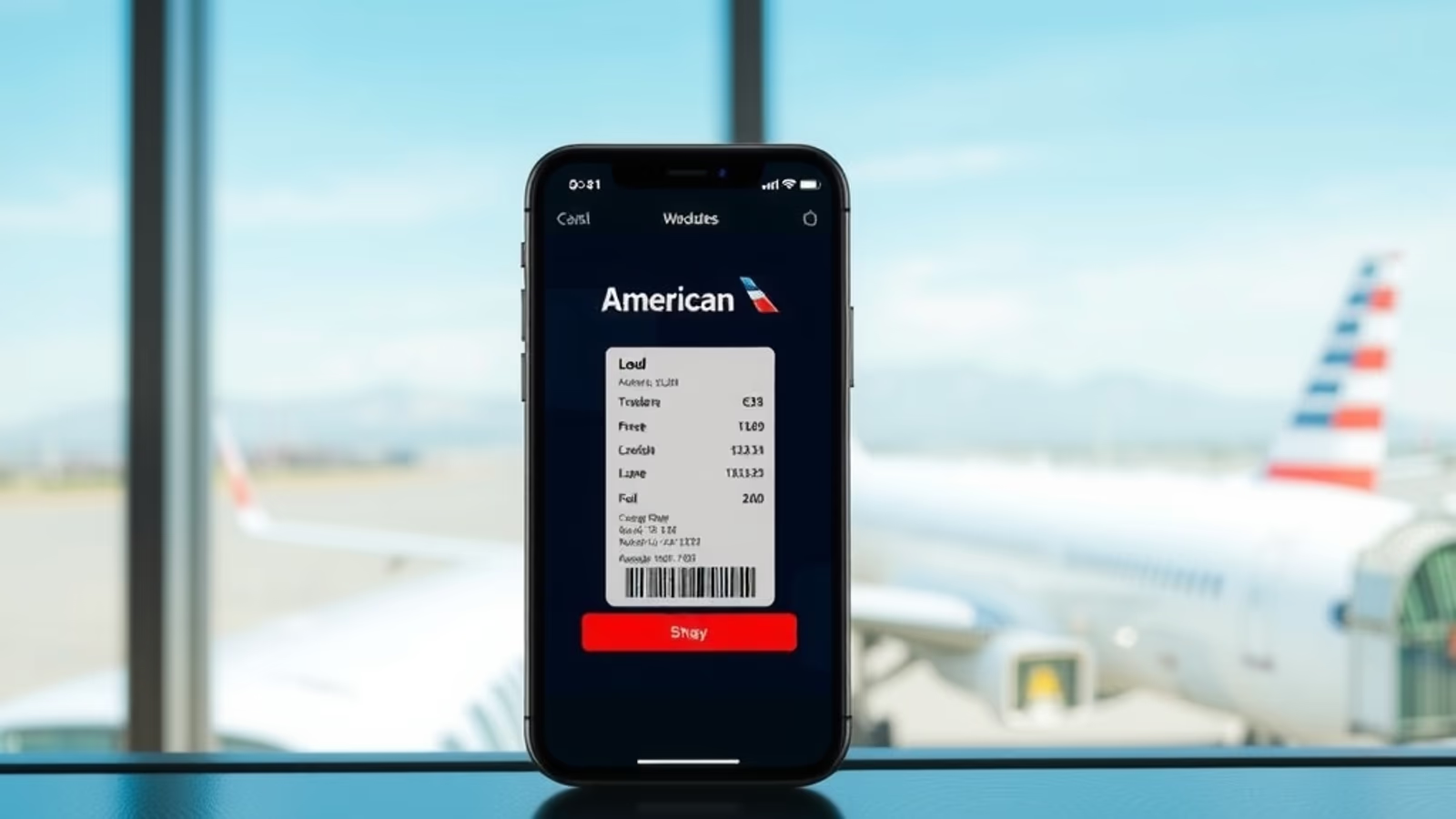

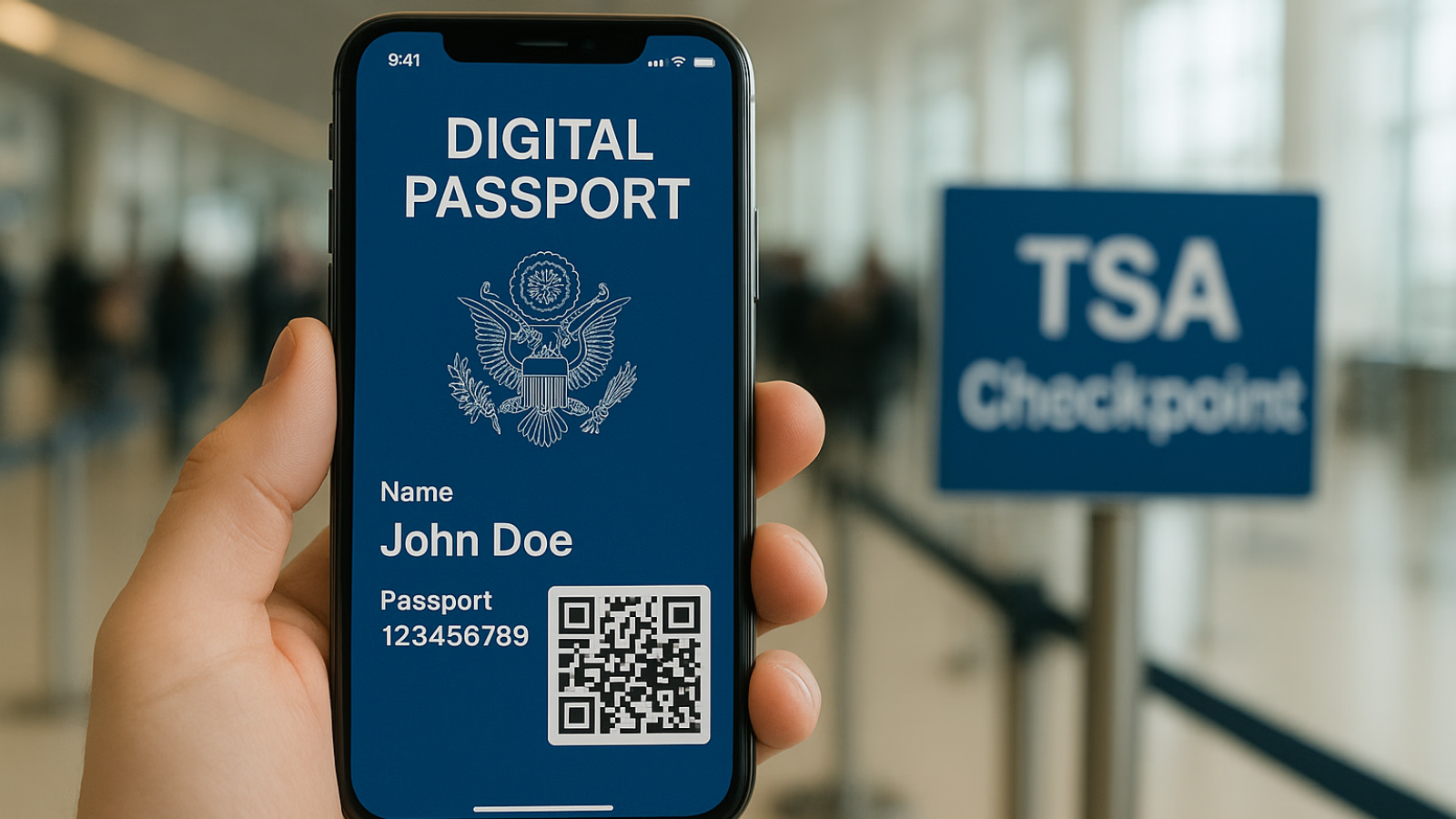
Apple committed in November 2025 to bring a digital U.S. passport to Apple Wallet for use at TSA checkpoints, framing it as the next step after the digital driver's license that already lives on the iPhone. Jennifer Bailey, Apple's vice president of Apple Pay and Apple Wallet, reiterated the timeline at the Money20/20 USA conference in Las Vegas, where she said the feature would arrive "soon." Apple's own iOS 26 marketing page described the rollout as "later this year." As of publication of this update, rollout status varies by airport, and Apple has not published a public list of supported locations.
What Apple Announced
At Money20/20 in late October 2025, Bailey confirmed that U.S. passport holders would be able to create a digital version of their passport in the Wallet app and present it at participating TSA checkpoints for identity verification on domestic flights. Apple positioned the feature as REAL ID compliant and built on the same secure-element framework that powers its digital driver's licenses.
Apple was clear about the limits at the time of the announcement. The digital passport was never designed to replace the physical book at international borders. It was designed for the narrow but common case of a U.S. citizen showing identification to TSA before boarding a domestic flight.
Apple did not commit to a specific iOS version. The iOS 26 page initially referenced a future point release; later revisions dropped the version number, leaving the door open to a server-side activation rather than a numbered update.
How It Was Designed to Work
The mechanics, per Apple, mirror the digital driver's license flow. A traveler approaches a TSA reader equipped with CAT-2 identity verification technology, brings an iPhone or Apple Watch near the reader, authenticates with Face ID or Touch ID, and the passport credential is verified against the agent's terminal. The traveler's information is not handed over wholesale; only the data fields needed for the check are transmitted.
Apple also said the credential would be useful beyond the checkpoint. Age and identity verification in apps, online checkout, and physical retail were all named as supported use cases at launch, again following the digital driver's license model.
Why the Limit on International Travel Matters
This is the part travelers most often miss. Apple's digital passport is an identity credential, not a border-crossing document. Customs and Border Protection officers at international arrivals and the airline gate agents who verify passports before international departure are not part of this rollout. Anyone flying outside the United States still needs the physical passport book in hand.
That is consistent with how every major digital identity rollout has worked so far. State-issued mobile driver's licenses, which Apple supports in roughly a dozen U.S. states, are accepted by TSA but not by every state agency that asks for ID. Digital credentials live alongside physical documents; they do not replace them.
What Was Already Live Before the Announcement
Apple's digital driver's license has been available in Arizona, California, Colorado, Georgia, Hawaii, Iowa, Maryland, Mississippi, Missouri, New Mexico, Ohio, Oklahoma, Puerto Rico, and Utah, with TSA acceptance at a growing list of airports running CAT-2 hardware. Google Wallet on Android added a U.S. digital passport credential ahead of Apple, which framed the November 2025 announcement as parity for iPhone users rather than a first-of-its-kind launch.
The takeaway from that earlier rollout: digital identity at TSA works when the airport hardware supports it, and it fails over to a physical document check when it doesn't. Travelers who use the mobile driver's license today already know to keep the wallet card on them.
What Travelers Should Do Now
The practical advice has not changed since Apple's announcement. Carry the physical passport on every trip, domestic or international. If the digital version is available at the airport on a given day, fine; if not, the traveler still has identification that works at every checkpoint, every gate, every counter.
For frequent flyers, the more immediate efficiency wins remain the same as they were before the announcement: an expedited screening enrollment, a credit card that reimburses the fee, and digital boarding passes that don't require fumbling in the security line. Premium travel cards like the Chase Sapphire Reserve continue to be the most common way to cover the cost of those programs without paying out of pocket.
It's worth checking the Apple Wallet app periodically for a "Add Passport" option, and watching Apple's iOS release notes for confirmation of activation. Once the credential is live for a given account, setup will likely involve scanning the physical passport with the iPhone camera, completing a facial recognition step, and waiting for verification.
The Bigger Picture
The digital passport is one more step in a long migration from physical wallets to phones. Boarding passes moved first. State IDs followed, slowly, state by state. The U.S. passport credential is a logical next addition, but it is also the most cautious, because the document it represents has higher stakes than a driver's license.
Apple's pace reflects that caution. The announcement was confirmed publicly. The rollout has been deliberate. Travelers who depend on their phones for everything will appreciate the addition; travelers who prefer to keep paper backups will be unaffected. The two approaches will coexist for a long time.
For now, the most useful posture is a low-stakes one. Watch for the rollout, enroll when it appears in Wallet, and keep carrying the physical document. The digital passport is a convenience layer, not a replacement layer, and that is exactly how Apple framed it from day one.
This article contains affiliate links. If you apply through our links, we may earn a commission at no cost to you, which helps us continue sharing points and miles strategies with the community.
Some of the links in this article are affiliate links. We may receive a small commission at no extra cost to you if you apply through these links. This helps us keep the site running and continue creating free content.