
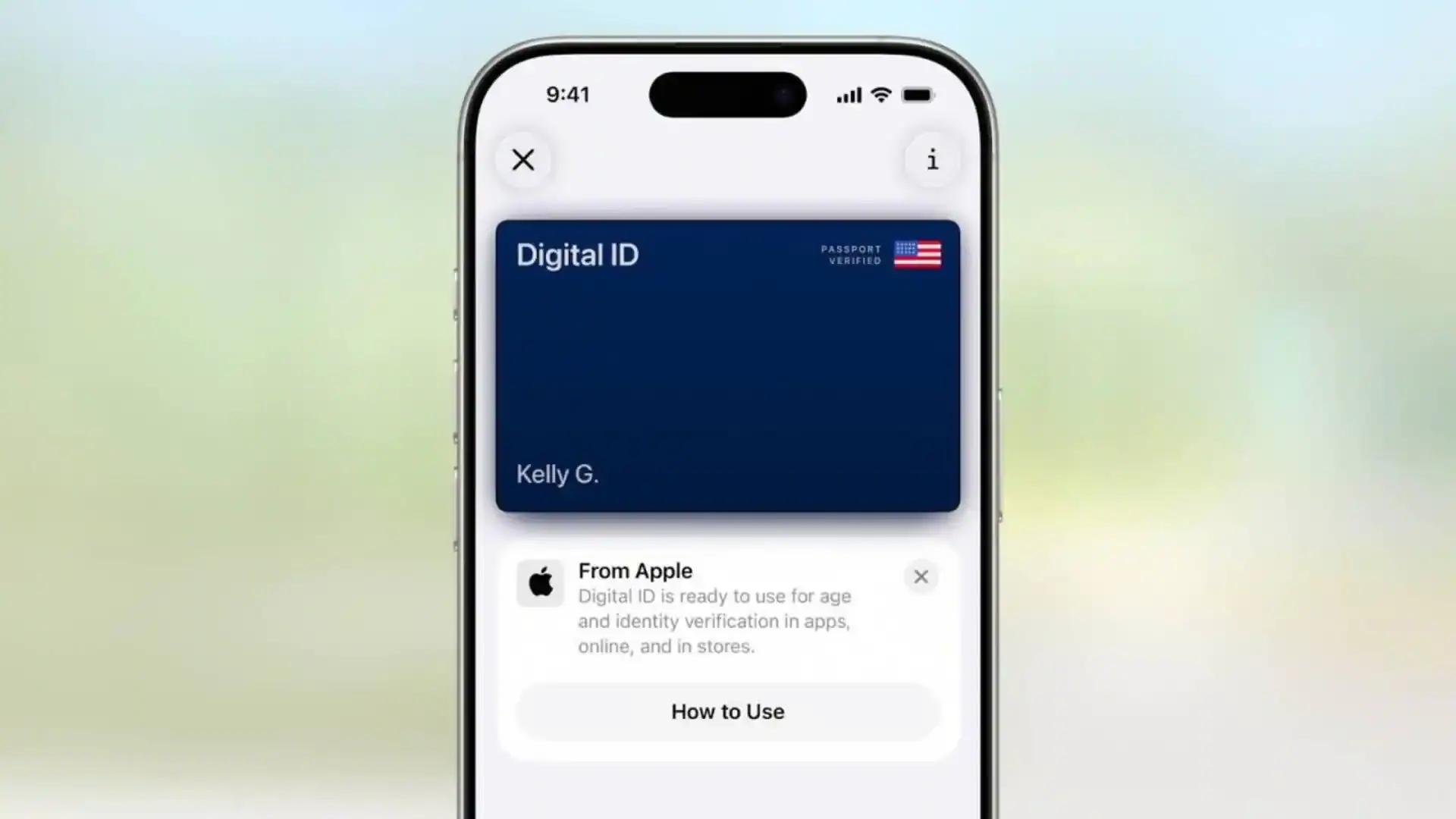
Apple's Digital Passport in Apple Wallet has been live in iOS 26 since the operating system shipped in September 2025, and after roughly eight months of TSA rollout, the feature is finally useful at enough U.S. airports to be worth setting up. The pitch is straightforward: you scan your physical U.S. passport, Apple verifies it, and a tokenized version lives in your Wallet for use at participating TSA checkpoints. Apple has been explicit from the start that this is not a replacement for your physical passport. It's a domestic ID, not a travel document.
If you're an American who flies mostly inside the U.S., it's a marginal speed-up at security. If you fly internationally, it changes almost nothing about what you pack.
Quick Answer
iOS 26's Digital Passport stores a verified, encrypted copy of your U.S. passport in Apple Wallet for use as identification at participating TSA checkpoints. It does not replace your physical passport for international travel, cruises, border crossings, or non-participating airports. You'll still pack the book.
What Apple announced, and what's actually live
Apple introduced Digital Passport support during the WWDC 2025 keynote on June 9, 2025, alongside the broader iOS 26 feature set. According to Apple's developer documentation published that same week, the feature extends the existing Wallet ID framework, which already supports state driver's licenses in Arizona, Maryland, Colorado, Georgia, and a handful of other states, to U.S. passports specifically.
The TSA confirmed acceptance at participating checkpoints in a press release the following week. The agency was careful with its language: the digital passport is accepted as identification at TSA checkpoints, in the same way a digital driver's license is. It is not, the agency emphasized, an immigration document. CBP has not announced any acceptance of Wallet's Digital Passport at land or sea borders, and as of May 2026, you cannot use it to clear customs on the way back into the country.
That distinction matters more than the marketing suggests.
Where it works in May 2026
The TSA's digital ID checkpoint network has expanded steadily since iOS 26 launched. According to the TSA's published list, more than 30 airports now have at least one checkpoint reader that accepts mobile IDs from Apple Wallet, Google Wallet, or Samsung Wallet. Coverage is concentrated at the larger hubs and the airports that first piloted mobile driver's licenses.
Airports with confirmed digital ID acceptance include Atlanta (ATL), Los Angeles (LAX), Phoenix (PHX), Denver (DEN), Reagan National (DCA), Baltimore-Washington (BWI), Salt Lake City (SLC), Dallas-Fort Worth (DFW), San Francisco (SFO), Detroit (DTW), and Newark (EWR), among others. The TSA maintains the current list at tsa.gov/digital-id, and it's worth checking before you rely on the feature. Coverage is often per-checkpoint rather than per-airport; a lane in Terminal B might support it while a lane in Terminal C doesn't.
What still doesn't work: smaller regional airports, international departure checkpoints at some airports, and any TSA lane without the camera-based mobile ID reader. If you don't see the rounded square reader and the digital ID signage, the agent is going to ask for the physical book.
What you need to set it up
The requirements are narrower than the feature pages suggest. You need:
- An iPhone running iOS 26.0 or later (iPhone XS and newer are supported; older models that originally came with iOS 17 cannot run iOS 26)
- A valid, undamaged U.S. passport (not a passport card, and not an expired book)
- Face ID or Touch ID enabled on the device
- An internet connection during setup for the government verification step
Apple's earlier ID setup language referenced "iPhone 8 or later," but iOS 26's actual device support list starts at iPhone XS. If your device can run iOS 26, you can use the feature.
How to set it up
Open the Wallet app, tap the plus button in the top right, and choose ID, then Passport. The flow is similar to adding a state driver's license:
- You photograph the photo page of your passport, then the back cover, with the iPhone camera prompting you through positioning.
- You record a short biometric video (a few seconds of moving your head) so Apple can match your live face to the photo and to the Face ID data already on the device.
- Apple submits the package to the State Department's verification system through the same federated identity framework used for state mobile driver's licenses.
- You get a notification when verification completes. Most users report this taking under an hour, though Apple's support documentation warns it can stretch to 24 to 48 hours at peak periods.
The digital passport then appears in Wallet alongside any other IDs or payment cards you've added.
Common setup problems
Most setup failures fall into one of three buckets. The first is the passport scan itself: a worn or curled photo page, a glossy table that reflects light back into the camera, or a damaged biographic strip will fail the optical character recognition step. Apple's prompts will tell you to try again, but the underlying issue is almost always the document or the lighting, not the phone.
The second is the biometric video. If you've changed your appearance significantly since you last updated Face ID (a new beard, glasses you didn't have before), the liveness check can take a few tries. Updating Face ID with the alternative appearance option in Settings tends to resolve it.
The third is the State Department verification step. According to Apple support documentation, the verification system runs a check against the passport database used for travel document validation. If your passport has recently been issued, renewed, or reported lost and replaced, the database may not reflect the change for 48 to 72 hours. Waiting and trying again is usually the fix.
Using it at a TSA checkpoint
The presentation flow is closer to Apple Pay than to handing over a document.
At a participating lane, you'll see a small reader at the agent's podium with a camera and a digital ID logo. You double-click the side button on the iPhone, the Digital Passport surfaces in Wallet, and you hold the phone over the reader. Face ID authenticates the presentation. The agent sees your name, date of birth, photo, and document number on their screen, glances at your face to confirm the match, and waves you through. You never hand the agent your phone.
In practice, the time savings versus a physical passport are small, maybe 10 to 15 seconds per traveler. The bigger benefit is keeping your phone in hand and not digging through a bag for the book.
Privacy and security: Apple's claims, and what's verifiable
Apple's privacy story for Digital Passport is the same one it tells about state mobile driver's licenses. The passport data is encrypted and stored in the Secure Enclave. Each presentation requires biometric authentication. Apple says it does not see when or where you use the credential, and the TSA's checkpoint system retains only what it would retain for any other identity check.
The verifiable parts: the Secure Enclave architecture is well-documented, the on-device biometric requirement is enforced by the operating system, and the cryptographic protocol used for ID presentation (ISO/IEC 18013-5, the same standard used for state mobile driver's licenses) is designed to share only the requested fields rather than the entire document.
The parts to take on Apple's word: that Apple itself genuinely cannot see your check-in events, and that the TSA isn't building a separate log of digital ID presentations. Neither claim is independently auditable. If your threat model includes a federal agency cross-referencing identity checks against other data, a digital ID at a TSA checkpoint is no better or worse than the physical book; in both cases, you're handing identifying information to a federal employee whose system retains some record of the interaction.
For most travelers, the practical privacy upgrade is real but modest: you're not leaving a passport book in a tray, and you're sharing only the fields TSA needs rather than every page of the document.
When you still need the physical passport
The Digital Passport does not work for:
- International travel. No foreign immigration authority accepts Wallet's Digital Passport. CBP does not accept it at land, sea, or air ports of entry on return. Pack the book.
- Cruises. Embarkation, port calls in foreign countries, and re-entry all require the physical passport.
- Non-participating airports. Regional airports, some international terminals at major airports, and any lane without the mobile ID reader.
- Backup ID. A dead phone or a software issue means an agent will want a physical document.
- Real ID purposes outside airports. Federal buildings, nuclear facilities, and other federal sites that require Real ID-compliant identification don't currently accept mobile passports.
For domestic travelers who already have a Real ID-compliant driver's license, the Digital Passport is redundant for security purposes; the driver's license clears the same checkpoints. The case for setting it up is mostly for travelers who don't have a Real ID, or for travelers who simply prefer to use one credential consistently.
How it pairs with travel credit cards
Two travel credit cards remain the strongest pairing for the broader airport experience the Digital Passport is designed for. The American Express Platinum Card carries a Global Entry or TSA PreCheck statement credit of up to $120 every four years, which covers the application fee for the program that gets you a faster screening lane in the first place. Global Entry includes PreCheck, and PreCheck lanes are where Digital Passport actually shaves time. The standard lane already has a queue that dwarfs any document-handling speed-up.
The Capital One Venture X Rewards Credit Card offers the same Global Entry credit and adds Priority Pass and Capital One Lounge access, which matters more in 2026 than it did when the card launched. Combined with the boarding pass features in iOS 26, the lounge access is the part of the airport experience that genuinely matters.
Both cards are also useful for the broader question of which credit card to pair with travel. See our Capital One Venture X review and our deeper comparison of premium travel cards with annual credits for the math.
Boarding pass improvements that actually matter
The Digital Passport is the headline feature, but iOS 26's broader Wallet update did two things that frequent flyers will use more often.
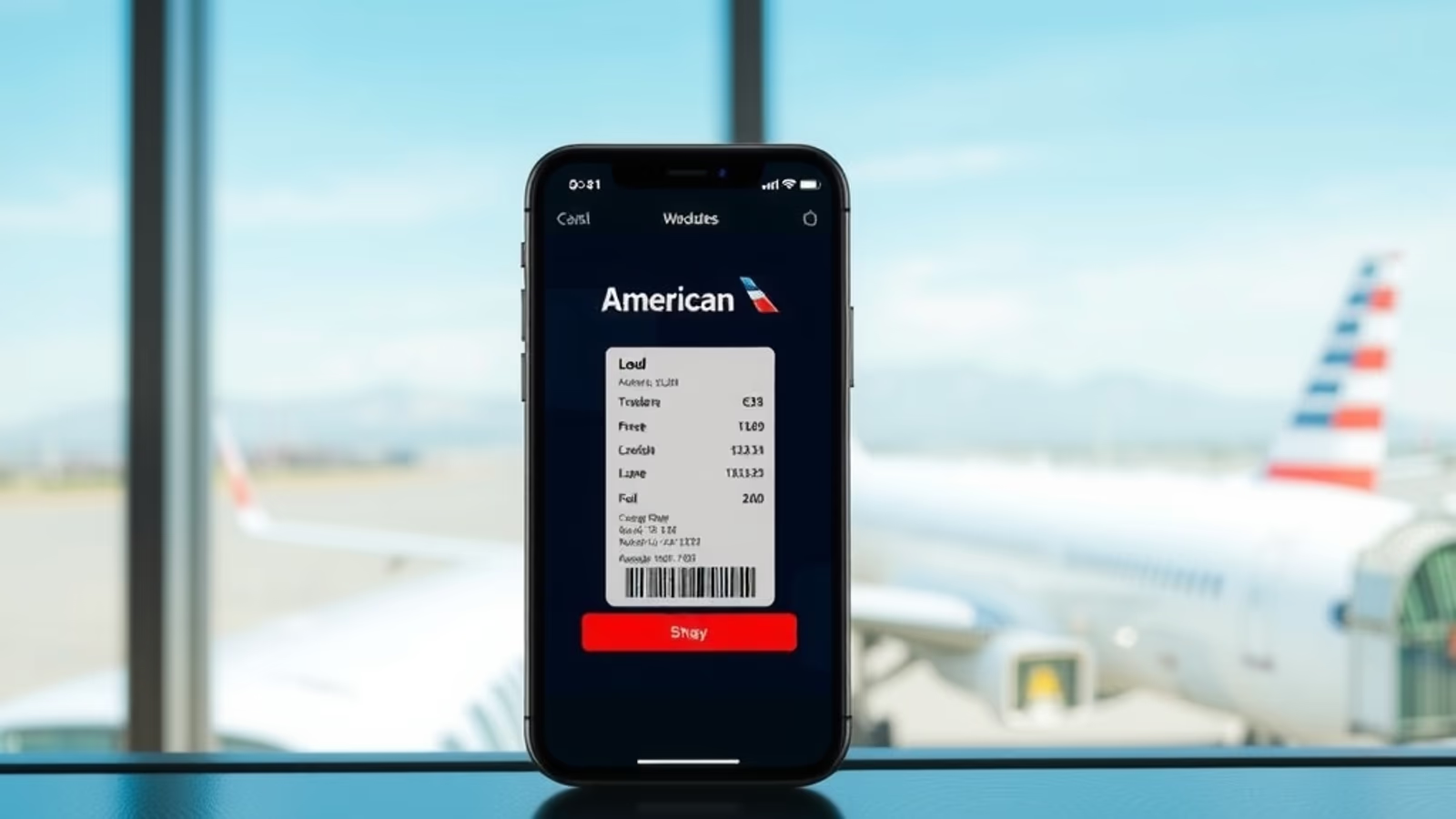
Boarding passes added to Wallet now show interactive terminal maps when the airline supports them, with walking time estimates between the entry point and your gate. Delta, American, United, Alaska, and Southwest all support the feature as of May 2026; many smaller carriers do not yet.
Find My integration now surfaces AirTag locations directly on the boarding pass. Airlines that support shared location tracking, including Delta and United, can pull the AirTag location into their own baggage tracking systems. If your bag is on a different flight than you are, the boarding pass tells you.
These changes are smaller than the Digital Passport in marketing terms but useful in more situations.
Bottom line
iOS 26's Digital Passport is a real feature with real, narrow benefits. If you fly domestically out of one of the 30-plus airports that accept mobile IDs at security, set it up. If you have a Real ID-compliant driver's license, the speed difference at security is marginal but the convenience of one consistent credential is genuine.
Don't expect it to change international travel. The physical passport book is still the document that crosses borders, boards cruise ships, and gets stamped at immigration. Apple has been clear about this from the announcement, and the TSA and CBP have both stayed consistent: this is identification, not a travel document.
For most readers, the right play is to keep the Real ID license, add the Digital Passport if you'd rather use the passport credential at security, and pair both with a card that covers the Global Entry fee. That's where the actual time savings live.
This article contains affiliate links. If you apply through our links, we may earn a commission at no cost to you, which helps us continue sharing points and miles strategies with the community.
Some of the links in this article are affiliate links. We may receive a small commission at no extra cost to you if you apply through these links. This helps us keep the site running and continue creating free content.