
Apple AirTags are coin-sized Bluetooth trackers that piggyback on the Find My network, which now spans nearly two billion active Apple devices worldwide acting as anonymous, encrypted relays. The network reports the location of whatever you've attached the tag to. For travelers, that means you can drop a $29 tag into a checked bag and, in most cases, watch it move across the country in your iPhone's Find My app while the airline's own bag tracker is still loading.
Released in April 2021, AirTags have since become the default answer to "how do I keep track of my luggage." As of May 2026, the hardware hasn't changed, the price is the same as launch day, and the network has only gotten denser. The rest of this guide explains how the tags actually work, how to set one up for a trip, how the major U.S. airlines now integrate AirTag tracking into their own apps, where the limits are, and how a premium travel credit card with baggage insurance turns the AirTag from a comfort item into a real recovery tool.
Quick Answer
An AirTag is a 1.26-inch disc that broadcasts a secure Bluetooth signal. Nearby Apple devices pick up that signal and anonymously report its location to iCloud, which you see in Find My. For luggage, you place one inside the bag, check it in, and use Find My (or your airline's app) to confirm it traveled with you.
Why AirTags became the standard bag tracker
The 2022 baggage meltdown is what put AirTags on every traveler's radar, but the case for using one is no longer about a crisis. It's structural. The Department of Transportation's most recent Air Travel Consumer Report continues to show U.S. airlines mishandling roughly six bags per 1,000 enplaned passengers, a rate that has held in a tight band for years. SITA, the global air-transport tech company, reports that roughly 80% of mishandled bags are merely delayed rather than lost, and the median return-to-owner time is around 48 hours. Meaning: most of the time the bag is somewhere; you just can't see where.
That's the gap AirTags fill. The airline tells you the bag is "in transit." Find My tells you the bag is sitting in a specific terminal at JFK while you're already in Lisbon. The information difference is what makes the case to the airline a lot easier.
How AirTags work, technically
Three pieces of technology do the work.
Bluetooth Low Energy (BLE). Every few seconds, an AirTag emits a rotating, encrypted Bluetooth identifier. The range is roughly 30 feet line-of-sight, less through dense bags and walls. Any Apple device within range, including an iPhone, iPad, or Mac belonging to a stranger walking past, picks up that identifier and forwards an encrypted location ping to Apple. Apple cannot read the ping. Only the owner's Apple ID can decrypt it.
The Find My network. Apple's network of participating devices is the largest crowd-sourced location mesh in the world. The relay devices don't share their identity, the AirTag doesn't share its owner, and Apple never sees the contents of the ping. The owner just sees a pin on a map.
The U1 ultra-wideband chip and Precision Finding. Once you're within Bluetooth range of your own AirTag, an iPhone 11 or newer (and any iPhone in the iPhone 12 line and later, plus iPhone SE 3) uses its U1 chip to triangulate the tag's exact position. The Find My app switches to a directional arrow that points you toward the tag in real time. This is the feature that lets you walk into a baggage hold or a hotel lobby and home in on the bag within a few feet. Older iPhones can still locate the tag, just without the arrow.
The encryption model is the part most worth understanding: location data is end-to-end encrypted between the AirTag and the owner's iCloud account. Apple, the relay devices, and any third party in between are blind to the data.
Setting up an AirTag for a trip
The setup takes under a minute.
Step 1: Pair the tag
Pull the plastic tab to activate the battery. Hold the AirTag near an iPhone that's awake and signed in, running iOS 14.5 or later. A pairing card slides up from the bottom of the screen.
Step 2: Name it
Choose a name from the preset list (Luggage, Backpack, Keys) or enter a custom one. The name appears in Find My and on the lost-mode page anyone scanning the tag will see.
Step 3: Register and confirm
Confirm the Apple ID linked to the tag. This is the only account that can decrypt its location. If multiple people in your family travel together, decide upfront whose account owns the tag. Family Sharing for AirTags rolled out in iOS 17 in 2023 and lets up to five household members share visibility, but the tag still has a single primary owner.
Step 4: Attach correctly
Drop the AirTag inside the bag, not on the outside. Loops and luggage tags attached to handles get torn off, scanned, or fall off in transit. A tag tucked inside an interior zip pocket survives the baggage system intact. If you want it on a keychain or attached to a soft case, buy a holder; the AirTag itself has no built-in attachment point and the smooth plastic shell is genuinely slippery.
Step 5: Enable Lost Mode before you check the bag
In Find My, select the AirTag and turn on Lost Mode. Enter a phone number or email. If a stranger with any NFC-capable smartphone, iPhone or Android, taps the tag, they'll be sent to a webpage showing your contact information and a message. This is how lost bags get returned without anyone needing your name or Apple ID.
How airlines are using AirTags now
A meaningful shift happened between late 2023 and 2024: the major U.S. airlines stopped treating AirTags as a customer-side workaround and started accepting AirTag data as evidence of a bag's location.
United Airlines added AirTag share-link support to its app in early 2024. A passenger with a delayed bag can paste an AirTag Find My share link directly into the United bag-tracker flow, and United customer service can see the location the passenger sees.
Delta Air Lines rolled out a similar feature in 2024 as part of its Fly Delta app. Delta agents can ingest an AirTag share link to expedite delivery once the bag is located.
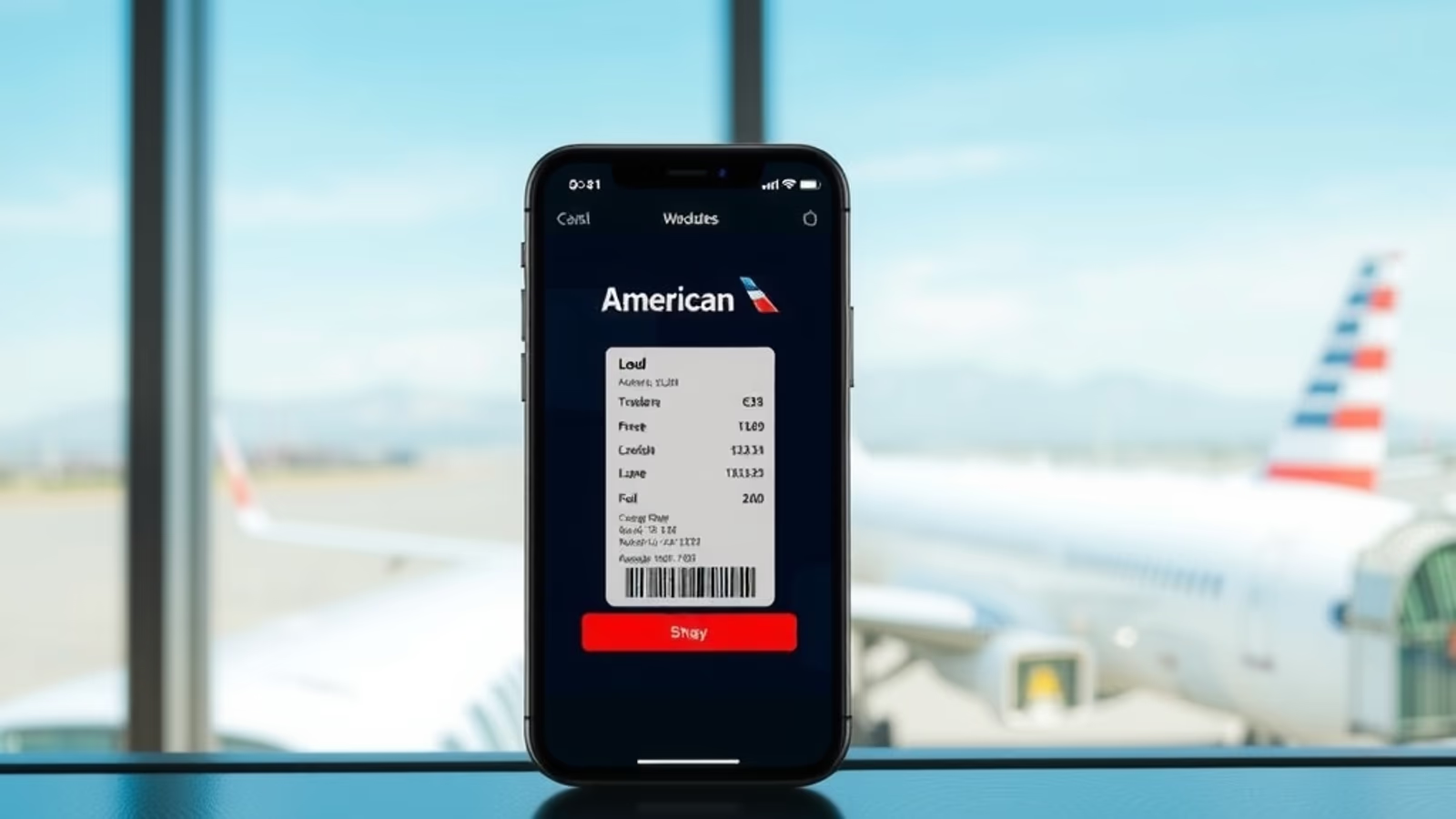
American Airlines followed in 2024 with AirTag-link support in its mobile app and at customer service desks.
JetBlue and Alaska Airlines accept AirTag location data on an informal basis at the desk, though neither has built a dedicated app integration as of May 2026.
These integrations are made possible by Apple's "Share Item Location" feature, introduced in iOS 17.2 in late 2023. The share link is read-only, expires automatically, and reveals only the live location of the specific item shared, not the owner's other tags or any personal information.
The practical effect: an airline that previously took 24 to 48 hours to confirm a bag's location can now confirm it in minutes if the passenger has an AirTag inside.
AirTags versus the competition
Three competitors are worth knowing about.
Tile. Tile was the original Bluetooth tracker and still works on both iOS and Android. The catch is the relay network: Tile's "Tile Network" relies on phones with the Tile app installed, a community measured in tens of millions, not the roughly two billion devices on Apple's Find My network. In airports and on travel routes outside major cities, Tile coverage thins out fast. The Tile Pro retails for around $35 as of May 2026.
Chipolo. Chipolo makes Find My-compatible trackers (Chipolo One Point, Chipolo Card Point) that piggyback on Apple's network for iOS users and on Google's Find My Device network for Android users. They're a credible alternative for iPhone households that want a thinner card-style tracker for a wallet or passport holder. Chipolo One Point starts at $28.
Samsung Galaxy SmartTag. SmartTag and SmartTag2 use Samsung's SmartThings Find network. The relay coverage is solid in countries with high Samsung market share but spotty elsewhere. SmartTags only work fully with Galaxy phones. For a household with both iPhones and Galaxy phones, you'd need both AirTags and SmartTags.
For iPhone users specifically, the AirTag wins on network density. There is simply no other Bluetooth tracker with two billion potential relays.
What AirTags will not do
AirTags do not have built-in GPS. They cannot report their own location independently; they rely on someone else's Apple device passing within Bluetooth range. In a remote area with no Apple devices nearby, such as a checked bag sitting overnight in a small regional airport cargo hold, the location stays frozen on the last known relay until another Apple device wanders close.
AirTags do not work meaningfully with Android. An Android user can scan an AirTag in Lost Mode using NFC and read the owner's contact info, but they cannot otherwise see or track the tag. If you give a tag to an Android-using family member, they cannot view it; the owner's iPhone is the only window into the data.
AirTags do not provide real-time tracking. The location refreshes when a relay device sees the tag, which can happen every few minutes in dense airports or once every few hours in sparse environments.
AirTags do not open luggage, identify the bag's owner to airline staff, or replace a bag tag. They are a location indicator, not a logistics tool.
Privacy and anti-stalking protections
The privacy debate around AirTags was loud through 2021 and 2022, and Apple has since rebuilt the anti-stalking system twice.
Any iPhone running iOS 14.5 or later will alert the owner if an unknown AirTag is detected traveling with them. Android users got equivalent functionality in late 2023 with the Tracker Detect app, and in 2024 Apple and Google jointly developed an industry standard for unwanted-tracker alerts that now triggers on Android automatically without an app install.
An unknown AirTag that has been separated from its owner for an extended period (currently around 24 hours, though Apple has shortened this window twice) will also emit an audible chirp. Owners can be notified that their own AirTag is "with someone else" if it appears to be following another person.
The end-to-end encryption means even Apple cannot tell you who owns a given AirTag, but law enforcement can compel disclosure with a warrant. Several high-profile stalking prosecutions in 2022 and 2023 turned on exactly that mechanism.
Battery and durability
The AirTag uses a single CR2032 lithium coin-cell battery, the same kind that powers many car key fobs. Apple says it lasts about a year under normal use. In practice, twelve to fourteen months is typical. Replacing it takes about ten seconds: push down on the steel back, twist counterclockwise, swap the cell, twist closed.
The AirTag carries an IP67 rating, which means it survives immersion in up to one meter of water for 30 minutes. That's enough to handle rain, a dropped bag in a puddle, or a coffee spill. It is not a dive computer.
The points-and-miles angle: AirTag plus baggage insurance
This is where the tracker turns into a financial tool. Several premium travel cards include baggage delay coverage as a card benefit, paying out per-day reimbursement for essentials when a checked bag is delayed beyond a set window. Two examples worth knowing as of May 2026:
The Chase Sapphire Reserve includes baggage delay insurance covering up to $100 per day for five days, kicking in when a bag is delayed more than six hours. The Platinum Card from American Express includes baggage insurance covering up to $2,000 for checked baggage and $3,000 combined per trip, again for delays and damage. Eligibility depends on having paid for the trip with the card and registering the claim correctly.
What an AirTag does for these claims is short-circuit the airline's evidence cycle. Rather than waiting for the airline to formally classify the bag as delayed, you can produce a Find My share link showing the bag's current and historical location. Cardholders who file baggage claims with location evidence report faster approvals.
The combination — premium travel card with baggage insurance, plus a $29 AirTag inside every checked bag — is the actual playbook for handling lost luggage. The card pays for the gap; the AirTag closes it. Eligibility, coverage limits, and claim windows vary; check your card's benefits guide. Sapphire Reserve benefits in particular were updated in mid-2025 and the current schedule is the source of truth.
Common mistakes to avoid
- Attaching the AirTag to the bag's exterior. Handle loops and zipper pulls get scanned, torn, or fall off. Always place the tag inside an interior pocket.
- Skipping Lost Mode. Without Lost Mode enabled, a stranger who finds the bag has no way to contact you even if they want to return it.
- Forgetting which Apple ID owns the tag. If a family member checks the bag and the tag is on someone else's account, the wrong person sees the location data. Family Sharing in iOS 17 helps, but assign ownership intentionally.
- Expecting real-time updates in remote locations. No relay device equals no update. The last known location stays on screen until a refresh happens.
- Assuming waterproof means dive-safe. IP67 covers everyday water exposure. It does not cover swimming or submersion beyond one meter.
- Letting the battery die mid-trip. Find My will warn you when the battery is low. Replace the CR2032 before a long trip rather than after.
Frequently asked questions
Do AirTags need a SIM card or a subscription?
No. AirTags rely entirely on the Find My network and require no SIM, no cellular plan, and no monthly fee. Setup and lifetime use are included with any Apple ID.
How many AirTags can one Apple ID manage?
Apple supports up to 16 personal items per Apple ID, which includes AirTags, AirPods, and supported third-party Find My accessories.
Will an AirTag set off airport security?
No. AirTags are FAA-compliant. The lithium cell is below the regulatory threshold for restricted batteries, and the device is allowed in both checked and carry-on luggage on every major U.S. and international airline as of May 2026.
Can I use an AirTag with iOS 26's Digital Passport feature?
They're unrelated systems but complementary. The Digital Passport in Apple Wallet, available since iOS 26 shipped in September 2025, is an identity feature for participating TSA checkpoints. The AirTag is a location tracker for your bag. Both live on your iPhone; neither depends on the other.
Does Lost Mode reveal my personal information?
Only what you choose to share. Lost Mode shows the message and phone number or email you enter when activating it. Your Apple ID, name, address, and other personal information are never revealed.
Bottom line
Apple AirTags are a $29 piece of hardware with a fourteen-month battery, IP67 weather sealing, and a relay network of roughly two billion devices behind it. For iPhone users who check bags, there is no better Bluetooth tracker on the market as of May 2026. The major U.S. airlines now accept AirTag share links as evidence of bag location, premium travel cards provide the financial backstop when a bag is delayed, and the only meaningful limitation is that the device relies on someone else's Apple gear being nearby to refresh the location. Drop one in your bag before your next flight. The peace of mind is real, and so is the recovery rate.
This article contains affiliate links. If you apply through our links, we may earn a commission at no cost to you, which helps us continue sharing points and miles strategies with the community.
Some of the links in this article are affiliate links. We may receive a small commission at no extra cost to you if you apply through these links. This helps us keep the site running and continue creating free content.