
I've tested a lot of travel gear. Most of it sits in a drawer after the first trip. AirTags are different. They're the only piece of travel tech I actually recommend without caveats, and I have one in every checked bag, every camera case, and clipped to the inside of my carry-on.
The reason isn't the hardware. AirTags are a $25 plastic disc with a battery and a Bluetooth chip. The reason is the network. Every iPhone in the world quietly relays AirTag location data for you, anonymously, which means your bag in Frankfurt or your rental car in Phoenix shows up on a map in your pocket within minutes. That's the entire product, and it's why I keep buying them.
If you fly with checked luggage more than twice a year, AirTags pay for themselves the first time an airline tells you your bag is in one city and your AirTag tells you it's in another.
What AirTags Actually Do
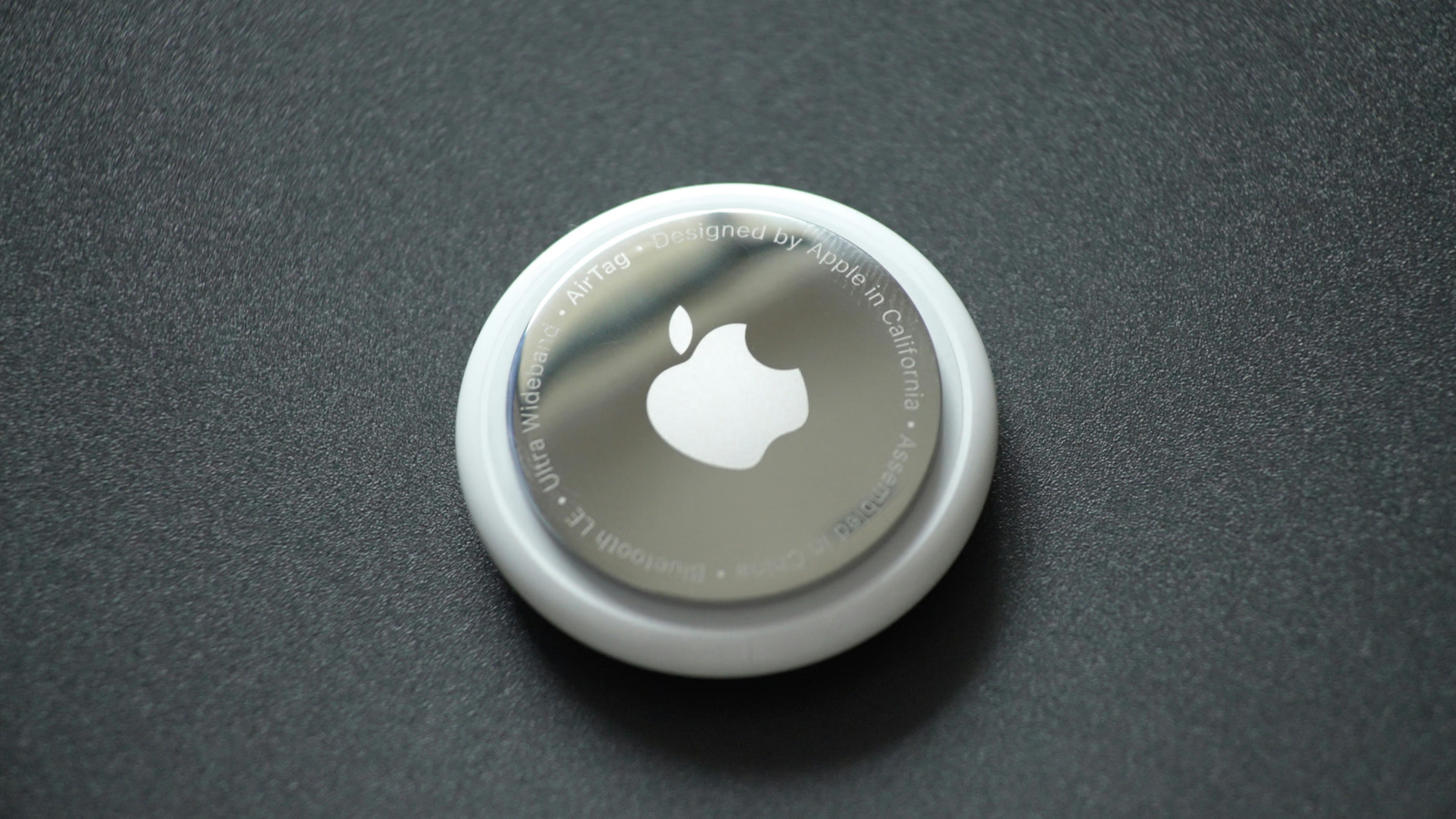
An AirTag is a coin-sized Bluetooth tracker that pings off the Find My network. That network is hundreds of millions of active Apple devices acting as relays. Your AirTag transmits a low-energy Bluetooth signal. Any nearby iPhone, iPad, or Mac picks it up, encrypts the location, and sends it to Apple. You see the result in the Find My app on your phone.
Battery life is roughly a year on a standard CR2032 coin cell. You can swap the battery yourself in about ten seconds. There's a small speaker inside, so you can ping the AirTag to play a sound when you're hunting for a bag in a hotel room or under a car seat. iPhones with U1 chips also do precision finding, which is an arrow that points you to the AirTag within a few meters. That precision feature has saved me more than once in a crowded airport baggage hall.
What AirTags don't do: they don't have GPS, they don't have cellular, and they don't broadcast anything until another Apple device is nearby. In the middle of a national forest with no people, your AirTag is invisible. In any city, airport, hotel, or populated area, it pings constantly.
Why They Matter For Travel
The math on lost luggage is brutal. Airlines mishandled roughly 7 bags per 1,000 passengers last year. That sounds small until you're the one without underwear in Lisbon. AirTags don't prevent loss, but they collapse the recovery timeline from days to hours by letting you tell the airline exactly where the bag is sitting.
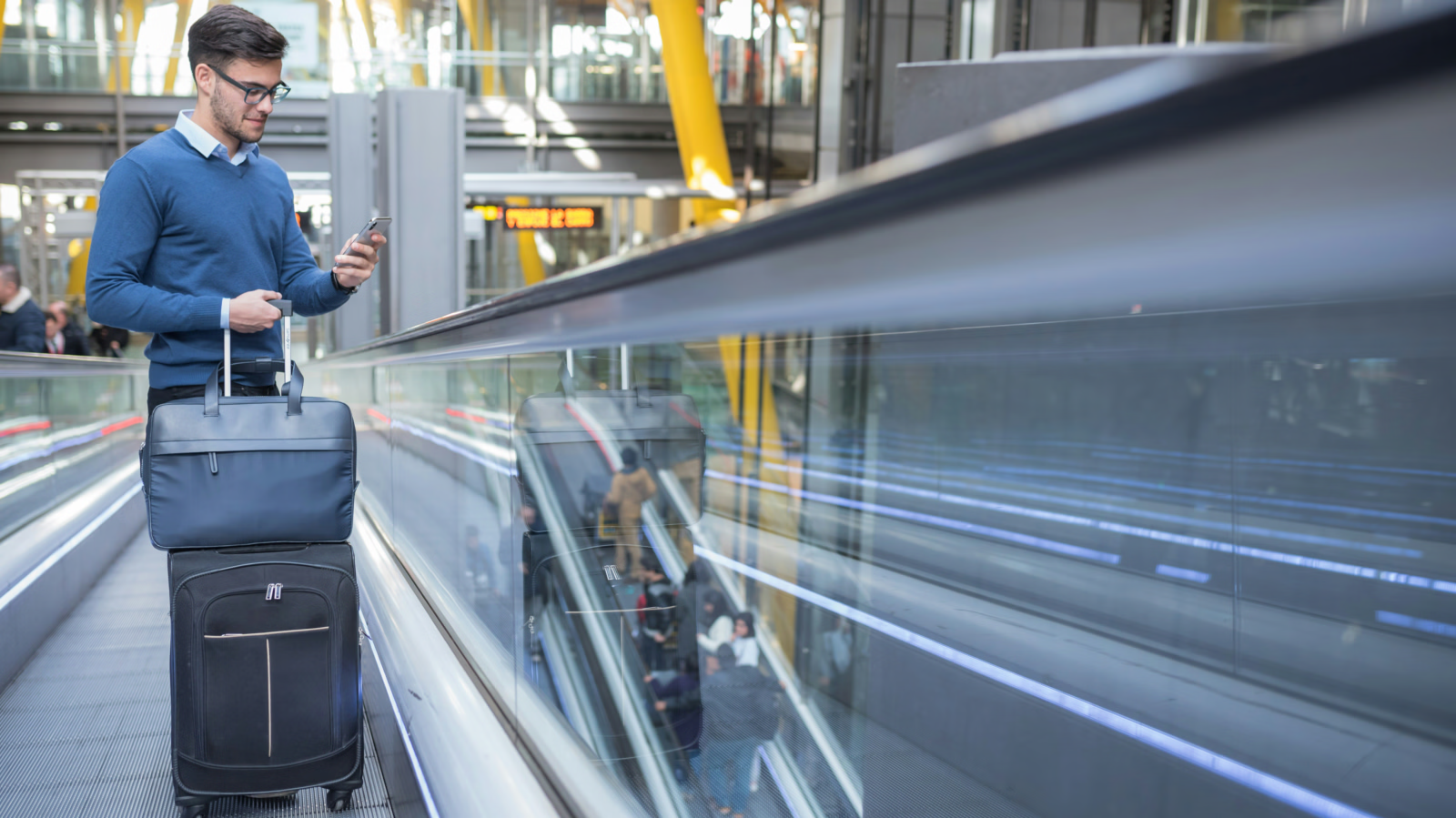
Checked bags. This is the headline use case. I drop an AirTag in a zipped interior pocket of every checked bag before it goes on the belt. When the flight lands, I open Find My before I leave my seat. If the AirTag is in the terminal, I relax. If it's still in the origin city, I know to file the lost bag claim immediately rather than waiting at the carousel for forty-five minutes. Twice now I've handed an agent a screenshot of the AirTag location and watched their attitude shift from "we'll look into it" to "let me call the ramp."
Carry-on items. Camera bag, laptop sleeve, the small backpack I bring as a personal item. I keep an AirTag in a hidden pocket of each. Not because I expect them to disappear, but because airport theft and absent-minded coffee shop exits both happen. The AirTag is insurance, not paranoia.
Kids' backpacks. If you travel with kids, you know how connections work. One adult, one stroller, two backpacks, three time zones of fatigue. An AirTag clipped inside a child's backpack means if it gets left at a gate, you know within minutes and can call the airline to retrieve it before the next flight.
Rental cars. I drop an AirTag in the glove box of every rental. Two reasons. First, if the car gets towed or stolen, I can tell the rental company exactly where it is. Second, at large airport rental lots where you park in an open numbered space, I can find the right row by pinging the car instead of remembering "G-47" three days later in the dark.
Camera gear. My camera bag is the single most expensive thing I travel with. There's an AirTag taped to the inside of the foam divider where it can't be seen and can't be removed without disassembling the bag. Same for the hard case I use for longer lenses. If you bring a drone, that's another obvious candidate. Anything north of a few hundred dollars that travels with you is worth tagging.
Hotel rooms and Airbnbs. Less obvious, but useful. I drop an AirTag in my checked bag at the hotel each morning before I leave for the day. If housekeeping moves the bag or sends it to storage by mistake, I can find it. Same logic for an Airbnb where multiple guests come and go.
What The 2026 Pricing Floor Looks Like
Apple's MSRP is $99 for a 4-pack, which works out to $24.75 each. Singles run $29 to $34 depending on retailer.
The 2026 floor I've seen, and the price I'd use as a benchmark before pulling the trigger, is $59.99 for a 4-pack on Amazon and Walmart. That's $14.99 each, roughly 40% off retail. It hit that floor briefly during Q1 promo windows. Outside those windows the 4-pack tends to sit at $69 to $79, which is still meaningfully cheaper than singles.
My rule: don't pay more than $20 per AirTag. The 4-pack is almost always the right buy because the per-unit price drops sharply and most travelers want more than one anyway. If you're a household, four is the right starting number. One for each adult's checked-bag rotation, one for the kid's backpack or stroller, one to keep as a spare for a future use case.
If you only want one or two, buy the 4-pack and resell the spares. Singles on the secondhand market hold value well because the product hasn't been redesigned since launch.
Card Optimization For The Purchase
This is where a $60 purchase becomes a $54 purchase with no extra effort.
Amazon Prime Visa. 5% back at Amazon for Prime members. On a $59.99 4-pack that's $3 back, which feels small until you remember it stacks with whatever current promo is running. The card also includes purchase protection (damage or theft within 120 days) and extended warranty on eligible items, which matters because Apple's own warranty on AirTags is one year and the card extends it. If you're buying AirTags from Amazon and you don't have this card, you're leaving money on the table every time. See my full Amazon Prime Visa review.
American Express Blue Cash Everyday. 3% on online retail purchases up to $6,000 per year. AirTag purchases at Amazon and Walmart both qualify. The card has no annual fee, so the 3% is pure margin. Purchase protection also applies. This is a strong second choice if you don't have a Prime Visa and don't want a co-branded card.
Capital One Venture. 2x miles on all purchases, which equates to roughly 2% if you redeem against travel. Plus extended warranty as a Visa Signature benefit. Not the highest earn rate on this specific category, but if your strategy is to put everything on one card for simplicity, the Venture is a solid all-purpose travel pick. More on travel-card pairings in my best travel credit cards guide.
For a 4-pack purchase, the differences in absolute dollars are small (a couple of bucks). But the purchase protection and extended warranty matter more than the cash back. AirTags get dropped, sat on, run through washing machines. Having a card that doubles the warranty turns a $15 unit into something you can replace for free if it dies in year two.
Accessories You Actually Need
AirTags ship without a way to attach them to anything. That's the one design failure of the product. You'll need an accessory to make them useful outside of "drop into a zipped pocket."
Luggage loops. Belkin makes the durable ones. $5 to $10 each. They're a plastic shell with a steel loop that attaches the AirTag to a zipper pull or strap. I use these for checked bags where the AirTag goes inside but the loop attaches the AirTag to an interior tab so it doesn't get buried under clothes. Avoid the no-name $2 versions on Amazon. The loops on the cheap ones snap.
Keychain holsters. $10 to $15. Useful if you actually want to put an AirTag on your house keys. Silicone or leather. Both work fine, but leather looks better and holds up longer.
Adhesive mounts. $8 to $12. These are flat discs with 3M adhesive on one side and an AirTag cradle on the other. I use these for things that don't have an obvious attachment point: the inside of a camera case, the back of a laptop sleeve, the underside of a hardshell suitcase. The 3M adhesive is permanent enough to survive baggage handling but not so permanent that you can't remove it with a heat gun later.
Card-format AirTag holsters. Newer accessory category. Credit-card-shaped sleeves that slide into a wallet. Useful if you want to track a wallet without a bulky disc. I haven't found one I love yet. The slim ones tend to drain the battery faster because the antenna is wrapped around itself.
Don't buy the Apple-branded leather loops. They're $35 and do the same job as the $8 Belkin version. The premium is for the leather and the Apple stamp, neither of which makes the AirTag work better.
AirTags Versus Tile And Other Trackers
I've owned Tile trackers since 2015. They were the first product in this category and I wanted them to win. They didn't.
The reason is the network. Tile's network is Tile customers, which is maybe 30 million devices globally. Apple's Find My network is closer to 1.5 billion active devices. When your tracker pings off another device for a location update, more devices means more updates. In a busy airport, my AirTags update every 30 to 60 seconds. My old Tile trackers updated every 10 to 20 minutes if I was lucky.
Samsung's SmartTag works similarly but only inside the Samsung Find network, which is much smaller. If you're on Android and you're a Samsung user, the SmartTag is the right pick. If you're on Android and you're not on Samsung, your options are weak.
Chipolo has a version that integrates with Apple's Find My network, which solves the coverage problem. It works fine. The form factor is slightly different (a flatter disc with a built-in hole for a keychain, which is genuinely useful) but the underlying network is identical to AirTags. If you prefer the form factor, buy Chipolo. If you prefer Apple's first-party hardware and tight integration with Find My, buy AirTags. Both are correct.
The iPhone-Only Caveat
AirTags only work if you have an iPhone, iPad, or Mac to set them up and view their location. There's no Android app and there won't be one. If your household is mixed (an iPhone parent and an Android partner, for example), only the iPhone user can track the AirTag. The Android user can be notified that an unknown AirTag is traveling with them, via a Google-built scanner, but can't view location.
This is the only reason I'd tell someone not to buy AirTags. If you're an Android household, Tile or Chipolo's Android-compatible models are your answer.
Bottom Line
AirTags are the rare piece of travel gear that's both cheap and indispensable. The 4-pack at the 2026 floor of $59.99 is the right buy for any iPhone household that flies. Pay for them with a card that gives you cash back and extended warranty. Add Belkin luggage loops for checked bags and adhesive mounts for camera gear. Drop one in every rental car.
The first time an airline misroutes your bag and you can tell them exactly where it is, the entire 4-pack pays for itself. Every trip after that is upside.
This article contains affiliate links. If you apply through our links, we may earn a commission at no cost to you, which helps us continue sharing points and miles strategies with the community.
Some of the links in this article are affiliate links. We may receive a small commission at no extra cost to you if you apply through these links. This helps us keep the site running and continue creating free content.